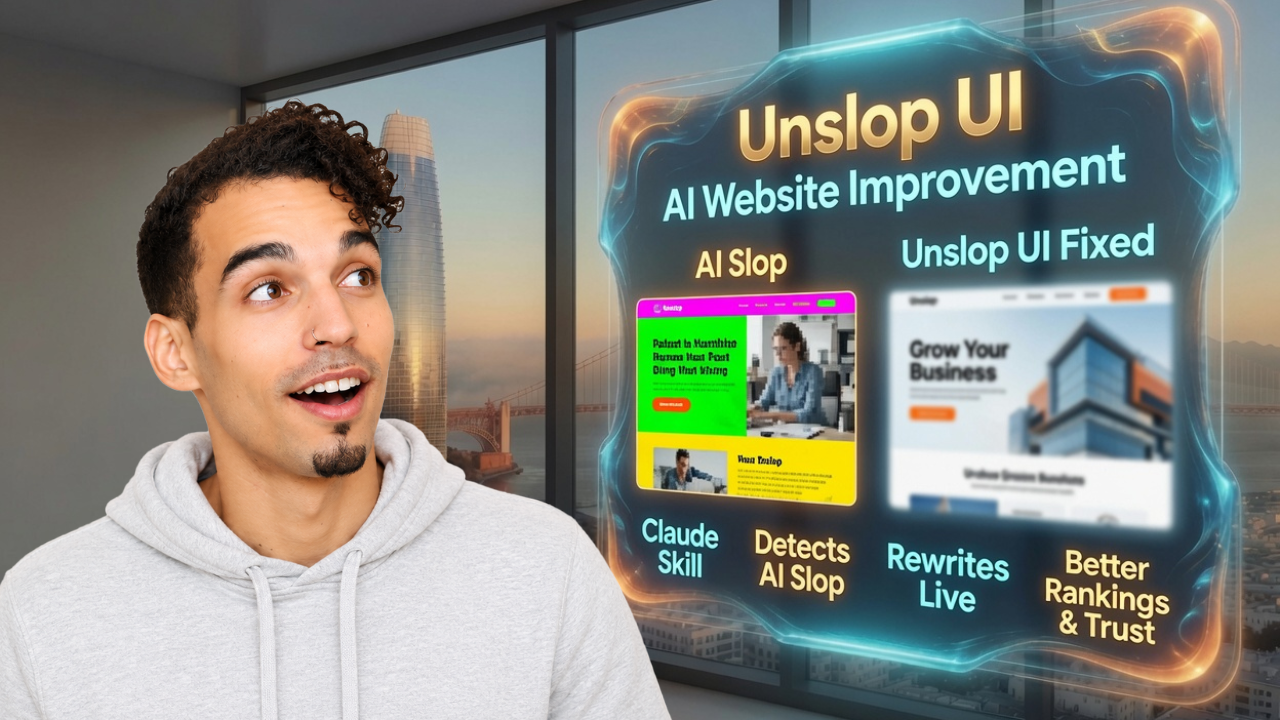
Most websites built in 2025 have the same problem: they look fine at first glance and kill leads on contact.
Generic hero. Vague headline. Stock photos of people in business casual who don't work there. A trust bar full of logos nobody asked for. CTAs that say "Let's Connect" instead of answering the actual question the visitor came to have answered.
That's AI slop. And Google sees it the same way your prospects do — as a page that isn't worth sending people to.
This article breaks down the exact workflow I use to build a page, catch the slop automatically, and ship something worth publishing. All of it runs on Claude MCP connected to WordPress, and none of it requires you to touch your backend.
Why Google Cares About Page Freshness
Here's the thing most people skip when they're building local service websites: Google measures when a page was last updated.
A page that hasn't changed in eight months is a page Google deprioritizes. A page that gets regular updates — new service language, new location references, new trust signals — is a page Google keeps coming back to crawl.
Claude MCP into WordPress is a velocity unlock for exactly this reason. Here's what that connection actually means in plain language: Claude gets a live read/write connection to your website. Not a plugin syncing once a day. A live connection. It can read a page, rewrite a section, update a title tag, add a new service area paragraph, and publish — without you opening your backend.
You can set this up inside Claude's connector settings once you have Claude Code. Find WordPress in the connectors list, link it, and you're done. For an accountant, an attorney, a bookkeeper in Oakland — that's the difference between a website that gets stale and one that keeps earning.
The Proof Before the Build
Before I show you the tool, here's what makes the whole approach worth trusting.
I built Dakota RV Parks — a free directory for parks across North and South Dakota. No ad spend. No backlink campaigns. Just a site with clean, specific, location-relevant data organized in a way that helps real people find what they're looking for. Current count: nearly 30 active account users and 2,300 listings.
In Google Search Console, the queries driving traffic are exactly what you'd expect: "North Dakota RV parks near Bismarck," "South Dakota campgrounds near Rapid City." Google is sending people to the exact page that answers the exact question they typed.
That's the model. A page for "tax preparation San Francisco" outranks a homepage that mentions San Francisco three times. A page for "DUI attorney Oakland free consultation" will outrank a generic attorney page every single time. It's not tricks. It's specificity.
If your GSC shows all clicks going to your homepage, you have a page structure problem. Service-specific, city-specific pages are what move the needle.

The Build → Audit → Fix Workflow
Here's the order that works. The order matters.
Step 1: Build with Hostinger Horizons. This is an AI development tool for WordPress that asks the right questions before it starts generating — pricing, offers, scope, whether the site needs point-of-sale or just booking. What came out was a decent first draft. All the right sections. Terrible contrast, overlapping layout, color combinations that would fail ADA compliance checks. Which is exactly the point.
Step 2: Audit with Unslop UI. Unslop UI is an open-source GitHub repo that detects the repetitive defaults AI models fall back on — generic heroes, unimpactful CTAs, stock photo overuse, missing privacy policies — and scores them by impact. Cosmetic issue vs. conversion killer. Two different categories.
I downloaded the repo directly into my AI operating system by telling Claude Code to go get it. Claude handled the download and integration. That's it. I took a full-page screenshot using the GoFullPage Chrome plugin, fed it to the Unslop skill along with the exported codebase, and let it run. It came back flagging issues across every section. Scored and ranked.
Step 3: Fix with Claude Code. I fed those flags into Claude Code. It generated a new HTML file and dropped it straight to my desktop. Left-aligned hero with a real image, visible contrast, precise CTAs, a benefits section with consistent components, a proper footer. Twelve patterns flagged. Twelve patterns fixed. Automatically.

What This Means for Your Website
You don't need a developer to keep your website current, conversion-ready, and aligned with how Google evaluates freshness.
You need Claude MCP connected to WordPress and the right audit layer to catch what AI generated wrong the first time.
Build first. Audit second. Fix third. That chronological order is what produces results.
If you want the full breakdown of what I'm finding in the field — tools, frameworks, what's actually ranking — I put it in the newsletter. Link is in the video description. Ten seconds to sign up.
Ready to stop losing leads to a site that looks fine but doesn't convert? Book a free strategy call — I'll tell you exactly what's killing your rankings.